 FansInspect scene
 Steam demo available
Keep It Up game guide.
One balloon. Four friends. Zero floor.
The Keep It Up game is a physics co-op challenge about keeping a balloon off the floor while your team crosses a hazardous laboratory. Use this wiki to learn the rules, inspect obstacles and prepare for the Steam demo. Keepitup.wiki is an independent fan guide.
Up to 4 playersWindows PC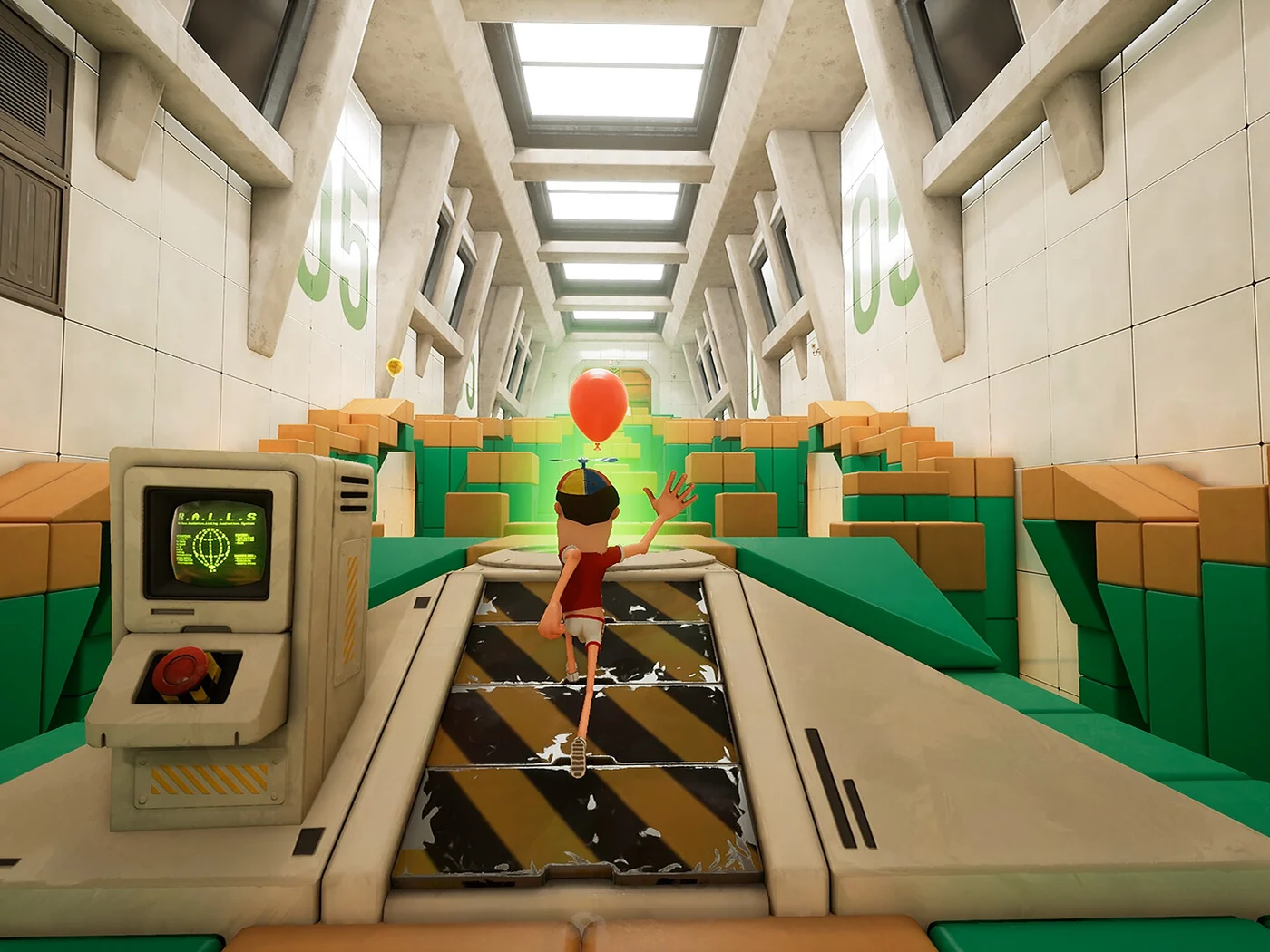 For the good of science.Keep It Up!
First run?Rules, preparation & a calmer first attempt.Bring the teamCo-op facts and simple handoff habits.Keep it airborneWhat the game asks you to protect.
Find the hazard in your room
Filter the screenshots by obstacle, then inspect the marked scene below or save a guide for your next attempt.
No scenes match this filter. Try another obstacle.
Scenes shown: 3
Official promotional scenes. Descriptive labels, not confirmed level names or a complete demo walkthrough.
Inspect the laboratory before your next attempt
Choose fans, spikes or lasers, then tap a numbered marker to see what to watch. Open a hint when your team needs a starting point.
Click a marker to inspect the scene
A small hint
Before moving, agree who tracks the balloon and who checks the route.
Show the planning notes
These are planning suggestions, not a tested solution for a numbered room. Watch from a stable position, identify the next safe landing, and call the handoff before both players move.
Click a marker to inspect the scene
A small hint
Before moving, agree who tracks the balloon and who checks the route.
Show the planning notes
These are planning suggestions, not a tested solution for a numbered room. Watch from a stable position, identify the next safe landing, and call the handoff before both players move.
Click a marker to inspect the scene
A small hint
Before moving, agree who tracks the balloon and who checks the route.
Show the planning notes
These are planning suggestions, not a tested solution for a numbered room. Watch from a stable position, identify the next safe landing, and call the handoff before both players move.
Official promotional scenes. Descriptive labels, not confirmed level names or a complete demo walkthrough.
What is the Keep It Up game?
Keep It Up! turns keeping a balloon in the air into a slapstick obstacle course. Developed by Hitbox Entertainment and published by Alibi Games, it places test subjects inside a laboratory where you slap, jump and collide while protecting the balloon. Moving to the next platform is only half the challenge.
Watching the route matters, but somebody still needs to watch the balloon. Chasing a desperate save can put a teammate in the wrong place. The Keep It Up game combines physics, awkward rescues and shared mistakes; understanding that challenge gives your team something more useful to try than simply moving faster.
Balloon rules: keep it airborne while you move
Keep the balloon from touching the ground while moving through the room. Slapping it upward is only part of the task: notice where the next contact may happen and whether another player can reach it. Think about the balloon and the route together.
Keep It Up! links a dropped balloon to incineration and describes limited lives, with a final balloon threatening the whole team. Exact restart behavior depends on the version. Observe the current failure screen rather than assuming a particular checkpoint or retry rule.
Co-op play: give the next save an owner
Online co-op supports up to four players, and single-player is also listed. In-game voice chat lets teammates use short calls. A full team gives you more people who can react, but several players rushing toward the same contact can make the scene harder to read.
Try having one player watch the balloon while another reads the route. Give the next receiver room to make contact. These are suggested habits, not fixed roles; rotate them as the room changes. Calls such as “I have it” or “your next hit” can clarify responsibility during a jump.
After a failed attempt, choose one moment to review: a lost view of the balloon, an unclear handoff or an early move. Agree on one adjustment. This gives your team something concrete to test while preserving the comic collisions that make Keep It Up! entertaining.
Fans, spikes and lasers: read the obstacle first
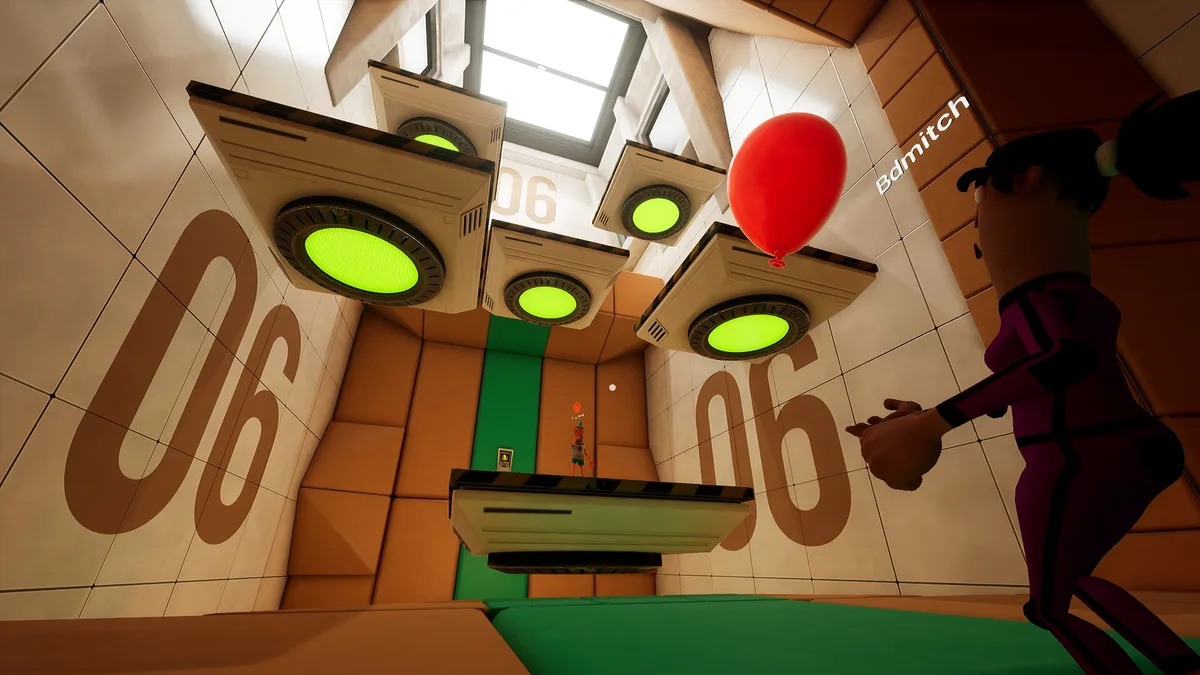
Fans draw attention above the route. Ceiling-mounted fans sit over platforms and the balloon in the reference scene. Use these landmarks to orient your team, then check airflow in the running game. A still image cannot establish fan force, timing or the next balloon trajectory.
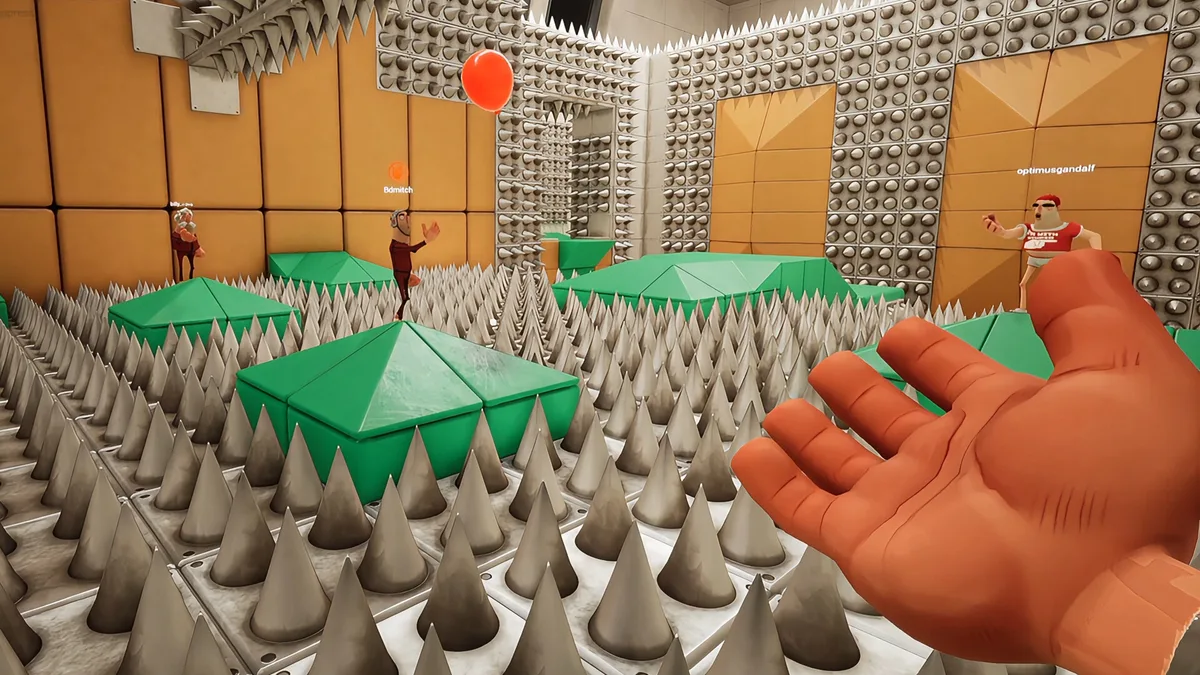
Spikes make footholds important. Green platforms interrupt the spike field in the screenshot, so identify the next reachable surface before moving. A visible platform is not proof of permanent safety: distance, collision behavior and the room state need checking during your attempt.
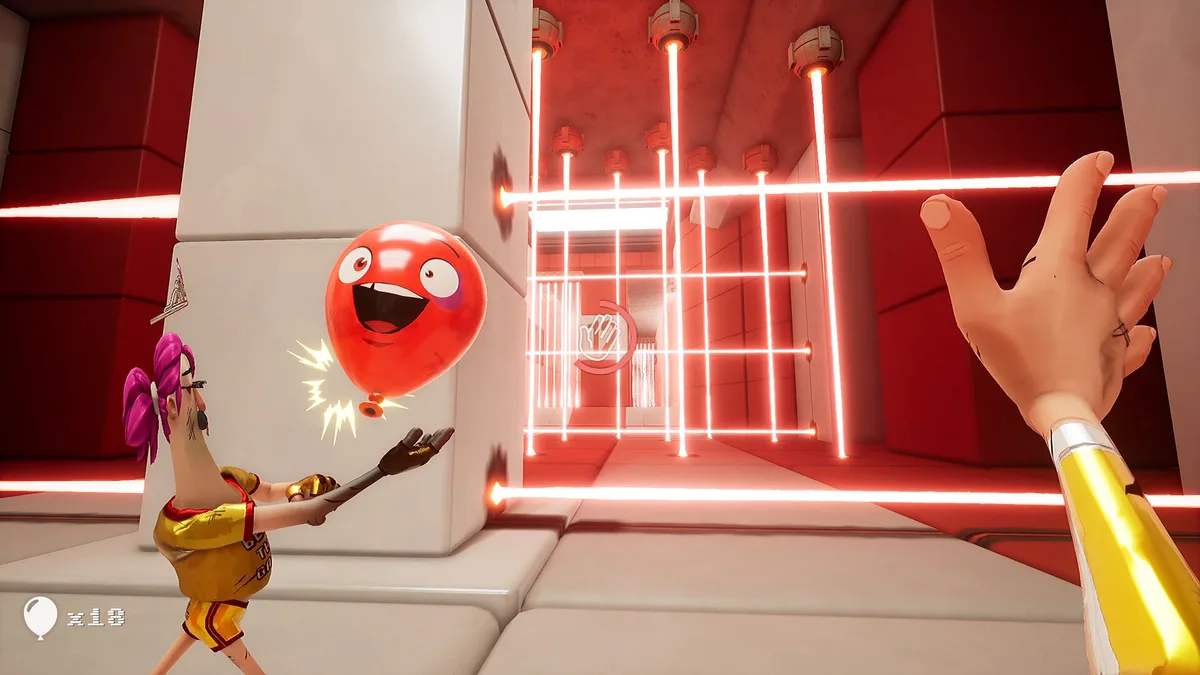
Lasers raise a different question: what lets the team cross the barrier? Observe the live scene before everyone commits. The explorer above highlights the barrier, nearby players and floor, helping you locate the relevant details. Its notes guide observation rather than providing a frame-perfect walkthrough.
Steam demo and full-game release status
As of 22 October 2026, the Steam demo is available and the full game is planned for Q4 2026. No exact release day is confirmed here. Use the demo option on the Steam page to try it, or wishlist the full game and check availability before arranging a session.
The full-game description advertises 15 escalating rooms, a physics playground lobby and character customization with unlockable cosmetics. Those features do not confirm the room count or complete feature set in the current demo. Plan around the version you downloaded rather than the promotional room count.
PC requirements and preparation for a first run
Listed minimum requirements include 64-bit Windows 10, 8 GB RAM, DirectX 12, 5 GB of storage and broadband internet. Processor examples are the Intel Core i5-10400 and Ryzen 5 3600. Graphics options include the GTX 1650, Radeon 780M and Intel Arc A380.
Recommended specifications raise memory to 16 GB and list an i5-12400 or Ryzen 5 5600 with an RTX 3060, Radeon 7600 or Arc B580. These are compatibility references, not frame-rate promises. Compare your hardware, download the demo and check performance on your machine before organizing a group session.
Keepitup Wiki: game questions
Can I play the game in this browser?
No. This is a guide and interactive scene reference, not a browser port. Inspect screenshots, reveal notes and save reading links here. To play the Keep It Up game, use the Steam demo download on a compatible PC.
Do I need four people to play?
Four is the maximum advertised for online co-op; single-player is also listed. You do not need to assemble a full four-person group. Local split-screen and cross-platform play are not treated as confirmed features here.
Does the demo contain all 15 rooms?
The advertised 15 rooms describe the announced game, not a verified demo room count. Check the version you downloaded. Our three promotional reference scenes are not presented as a complete level list.
What should our team try when everyone keeps chasing the balloon?
Choose the next receiver before moving, give that player space, and let somebody else watch the route. Change one handoff after a failure and see whether it helps. This is a suggestion to test, not a guaranteed solution.
Are keepitup and Keep It Up! the same name here?
Here, keepitup is the joined spelling in our domain; Keep It Up! is the game title. Keepitup.wiki covers the balloon-focused laboratory game and is independent of its developer and publisher.
How do the scene filters and bookmarks work?
Filter cards by hazard or use the search box, then inspect numbered scene markers. Bookmark an article to keep it after a reload. Saved choices stay in this browser without an account or cross-device synchronization.